Model Context Protocol
Build your
own MCP.
Describe the tools you want and Brevosi builds, deploys and hosts a real MCP server for you, from your phone. Or hand the job to Claude or ChatGPT through your personal builder endpoint and watch it appear live.
What it does
From idea to a live MCP server, three ways.
Describe it, an agent builds it
Say what tools you want. A cloud agent writes the backend, deploys it and hands back a live MCP URL, verified before you ever see it.
Or bring your own agent
Connect Claude or ChatGPT to your personal builder endpoint and ask it to do the building. Tools go live the moment it calls publish.
Hosted the second it exists
Every server gets a public Streamable HTTP endpoint with persistent state. Templates go live in about two seconds.
10
Servers on the free plan
~2s
From template to live URL
0
Machines to manage
Every screen
From plain English to a live endpoint, on a phone.
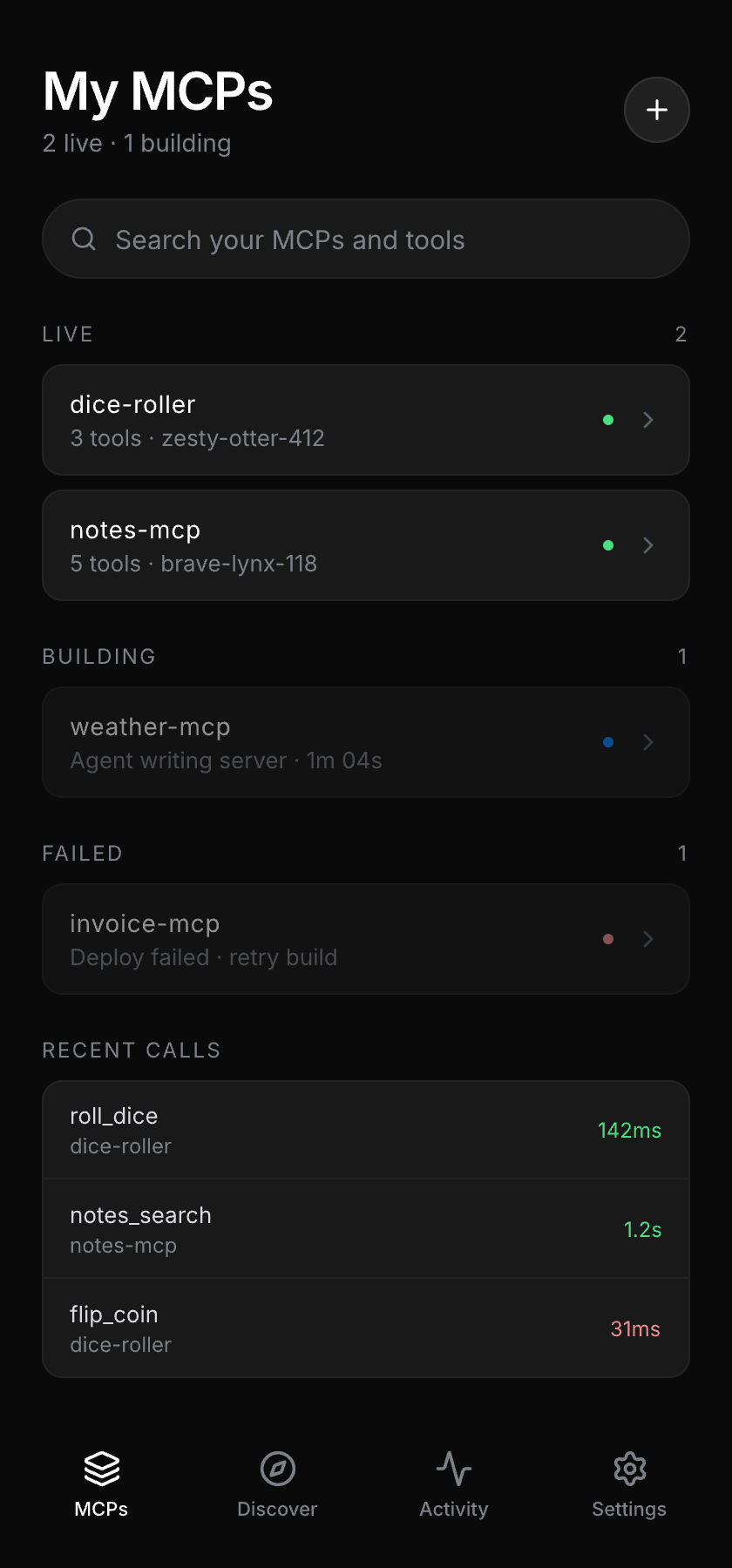
My MCPs
Everything you have built, live or still building.
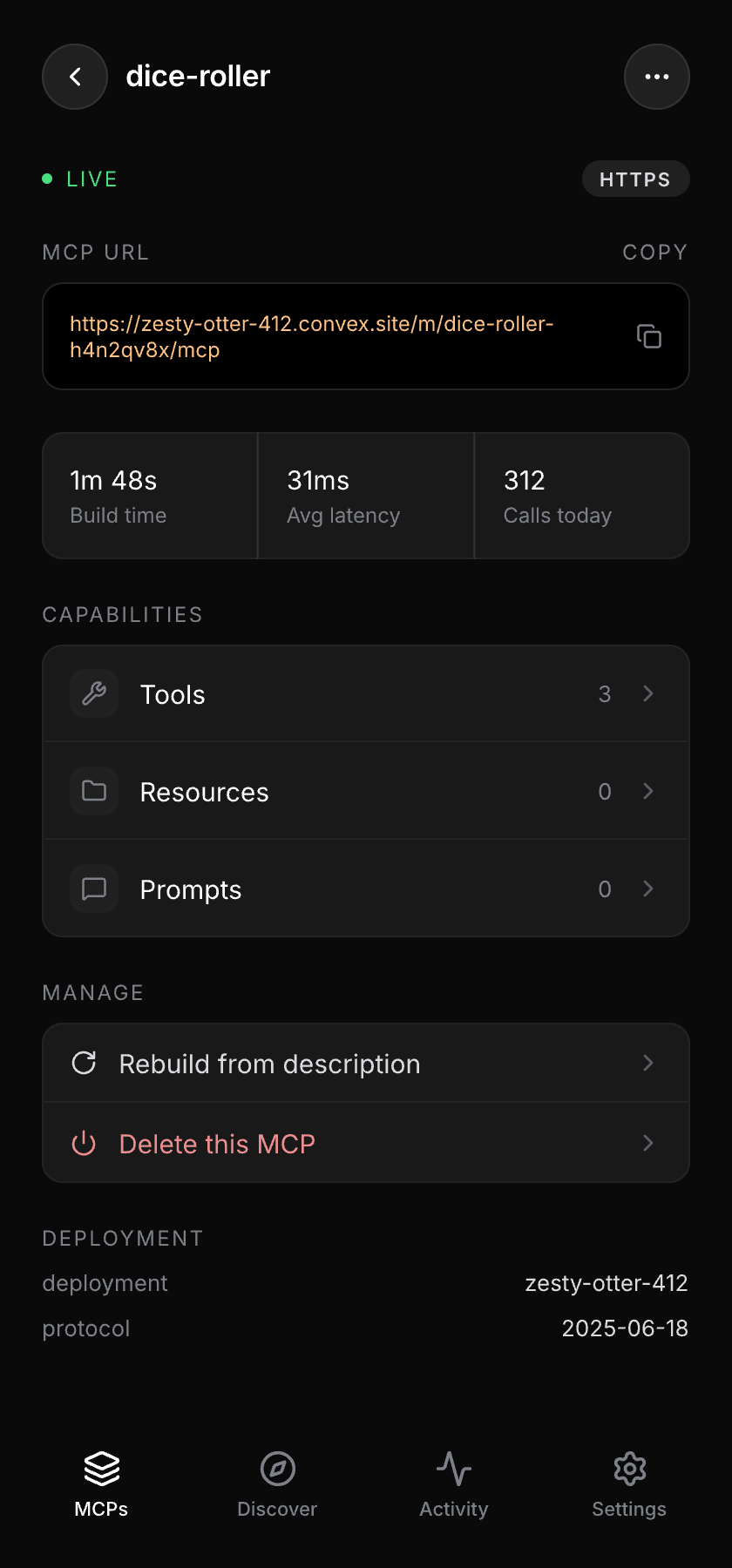
MCP overview
Build time, latency and the endpoint any client can call.
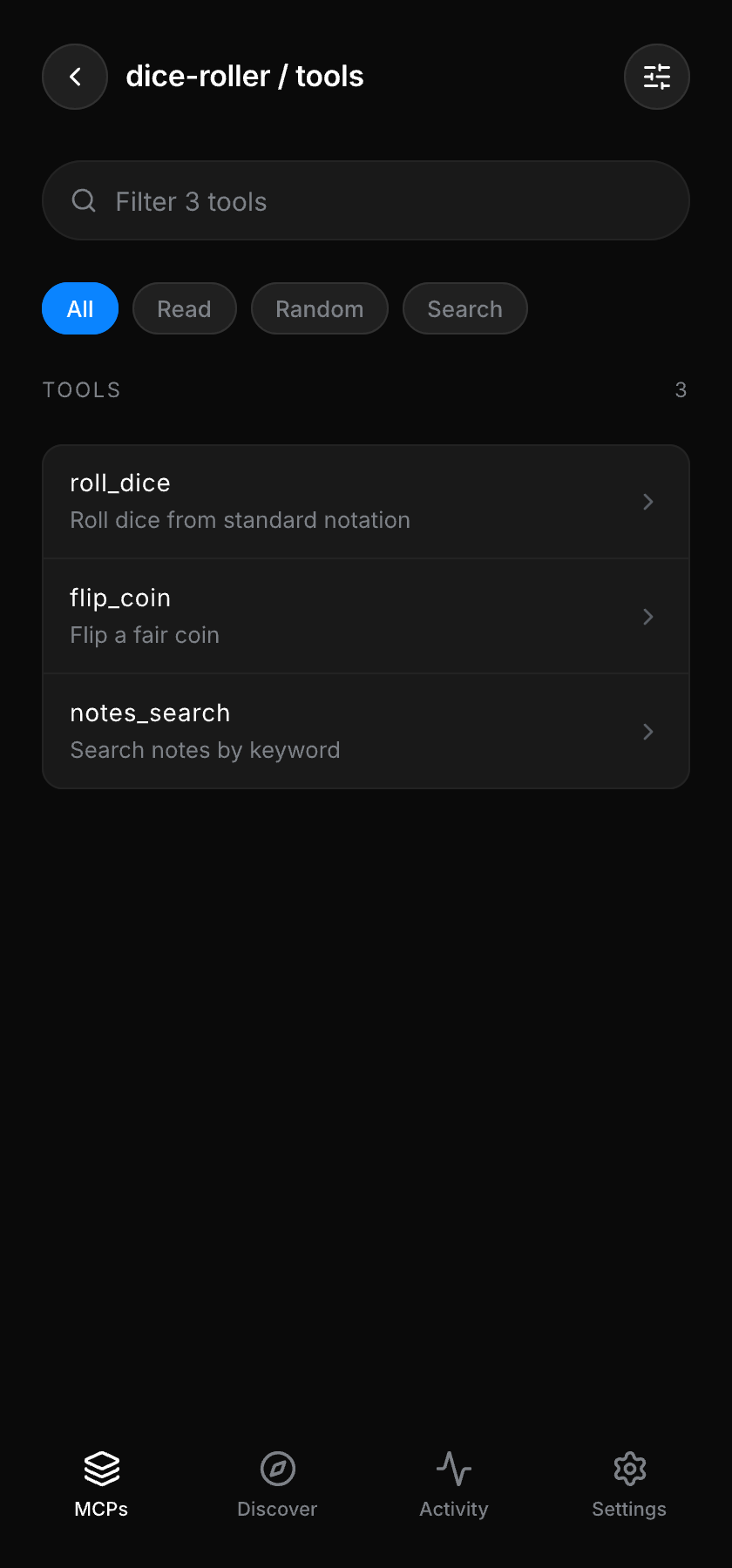
Tools
What the agent wrote for you, filtered by what it does.
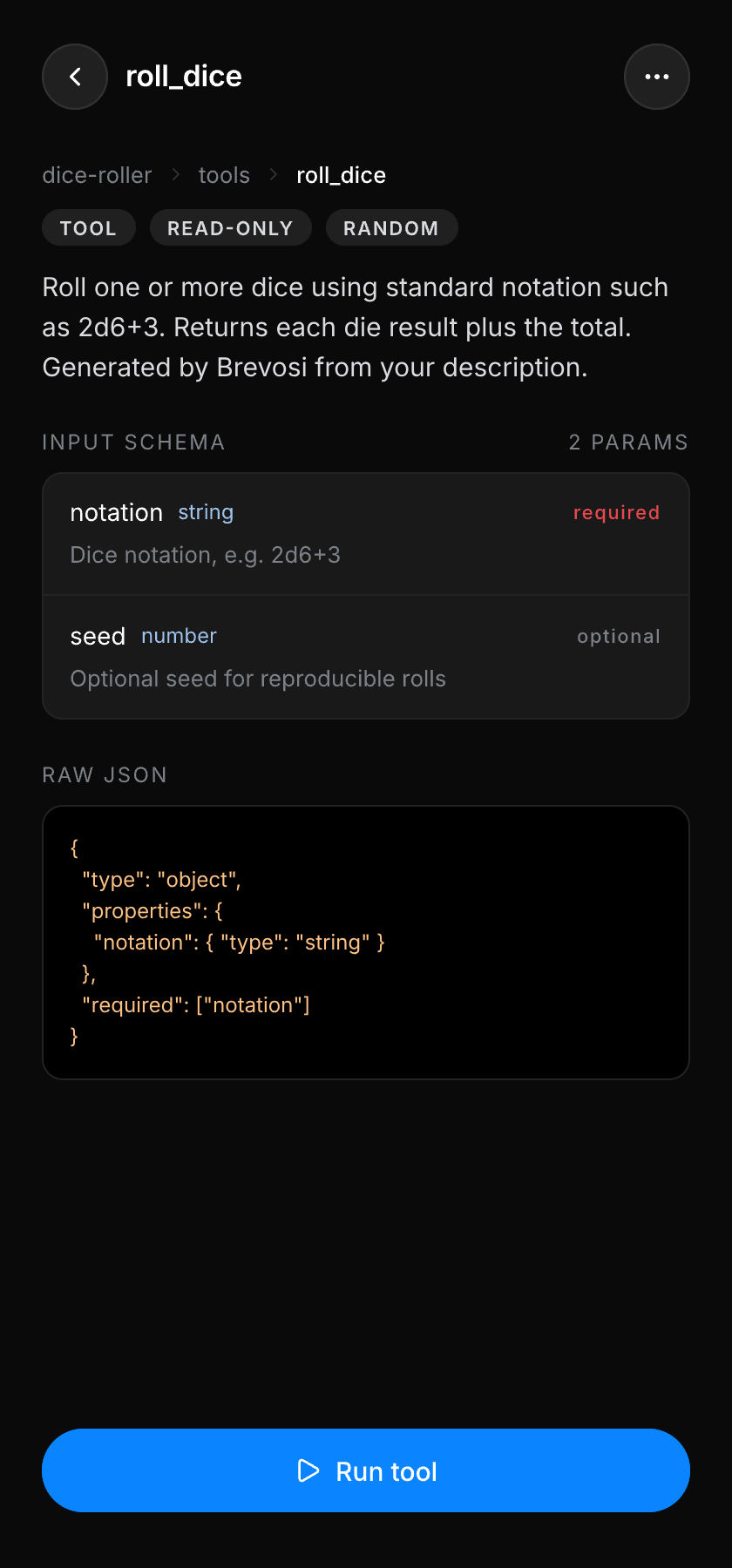
Tool detail
The generated input schema, typed and annotated.
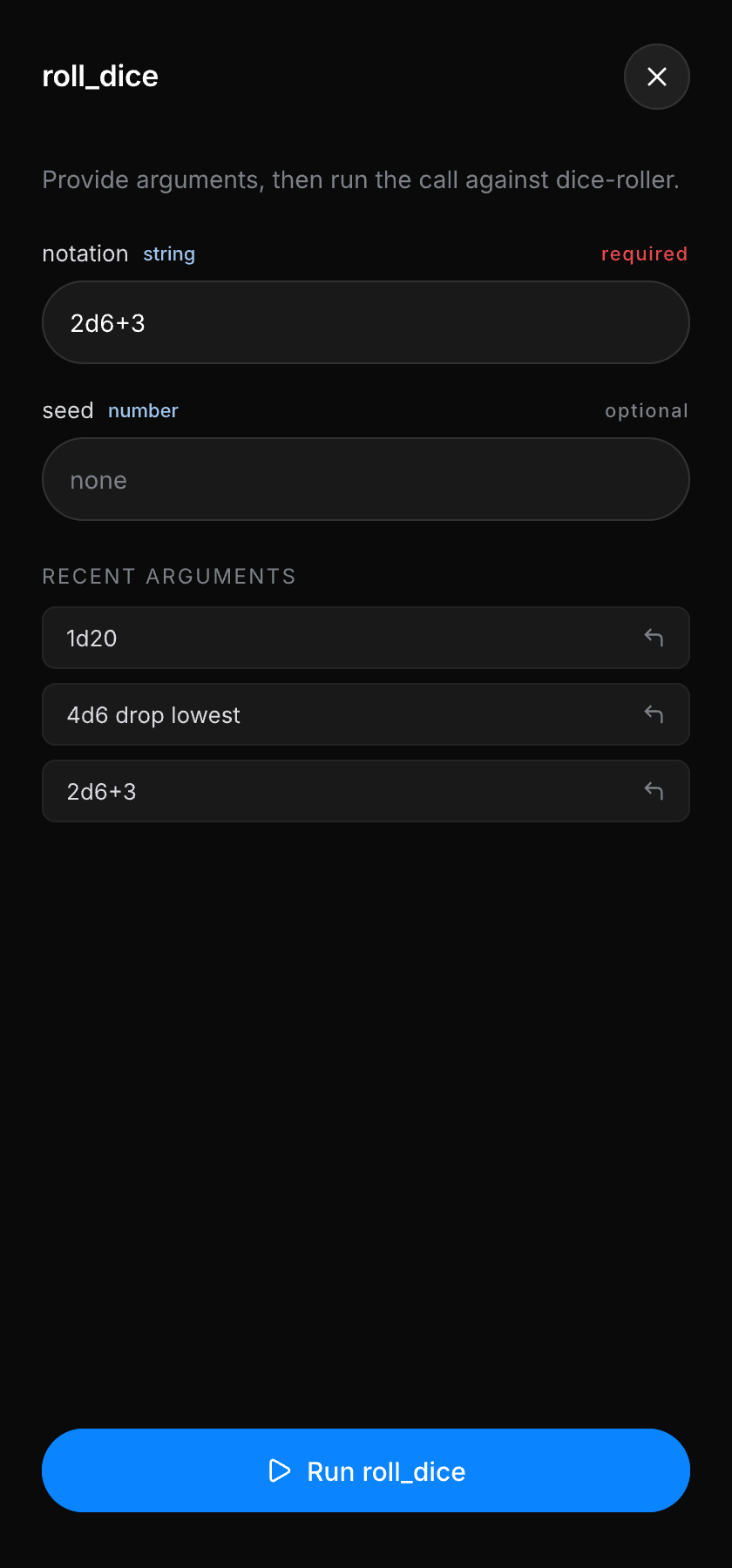
Run a tool
Call your own tool for real, before any client does.
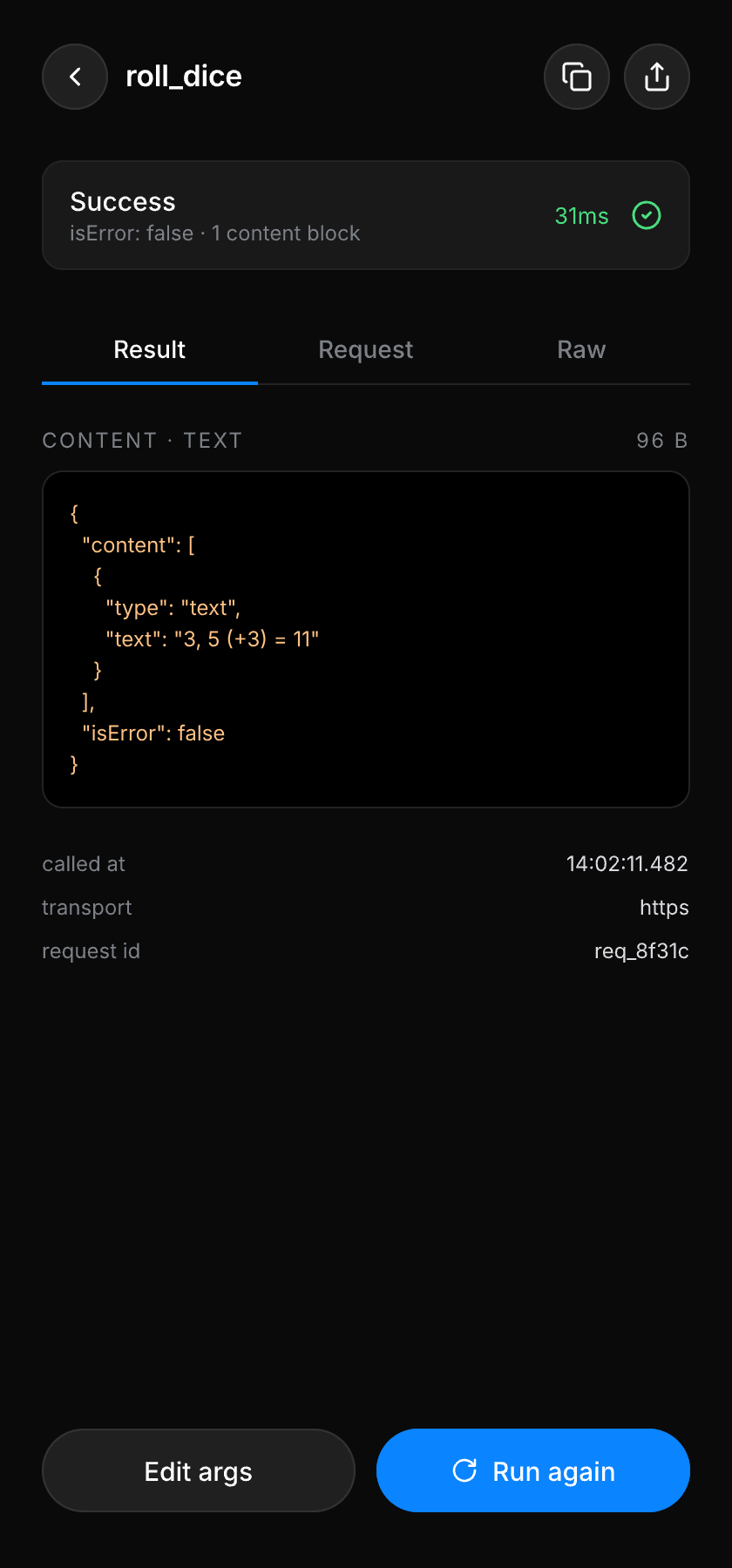
Result
Content blocks, latency and the request behind them.
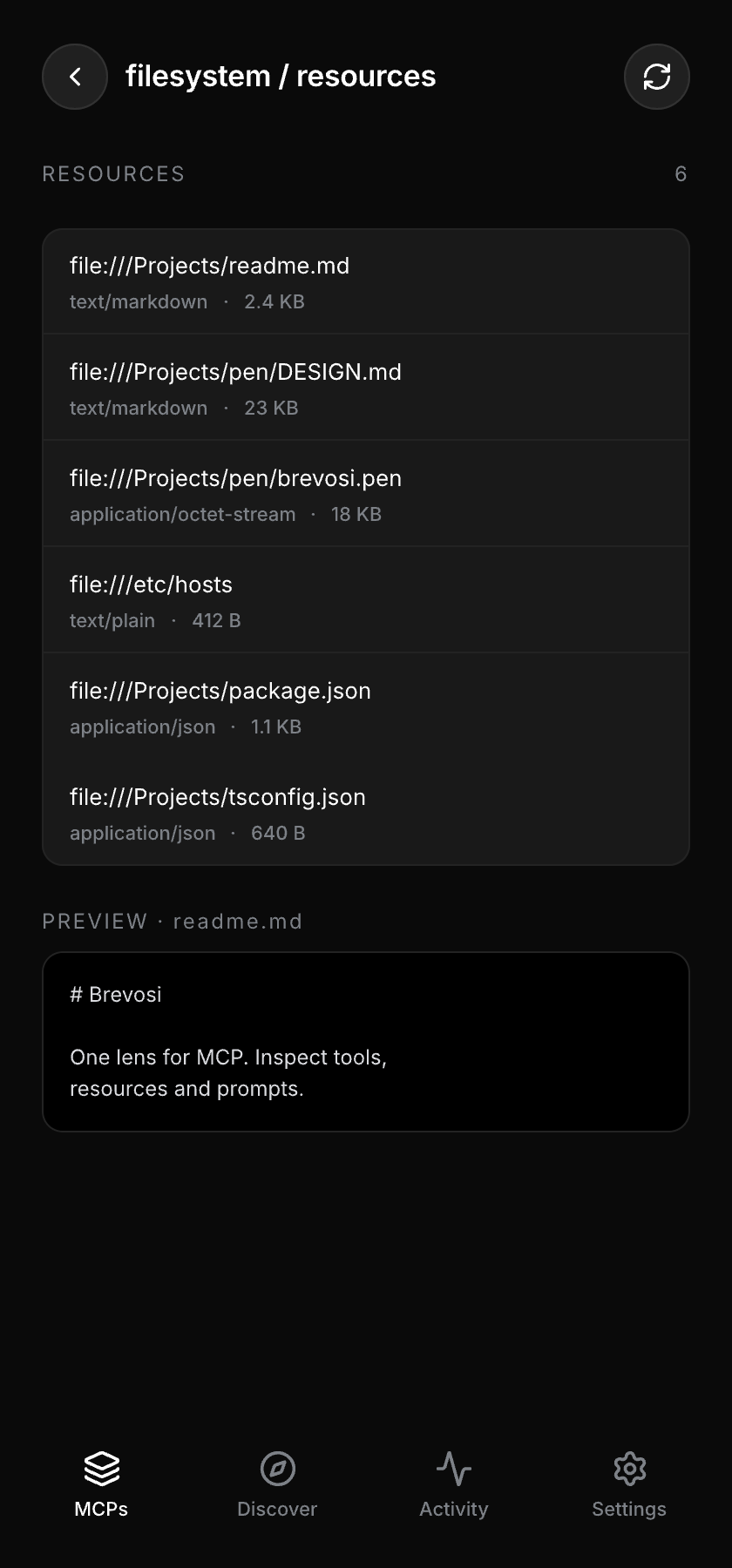
Resources
Resource URIs with mimetypes and inline previews.
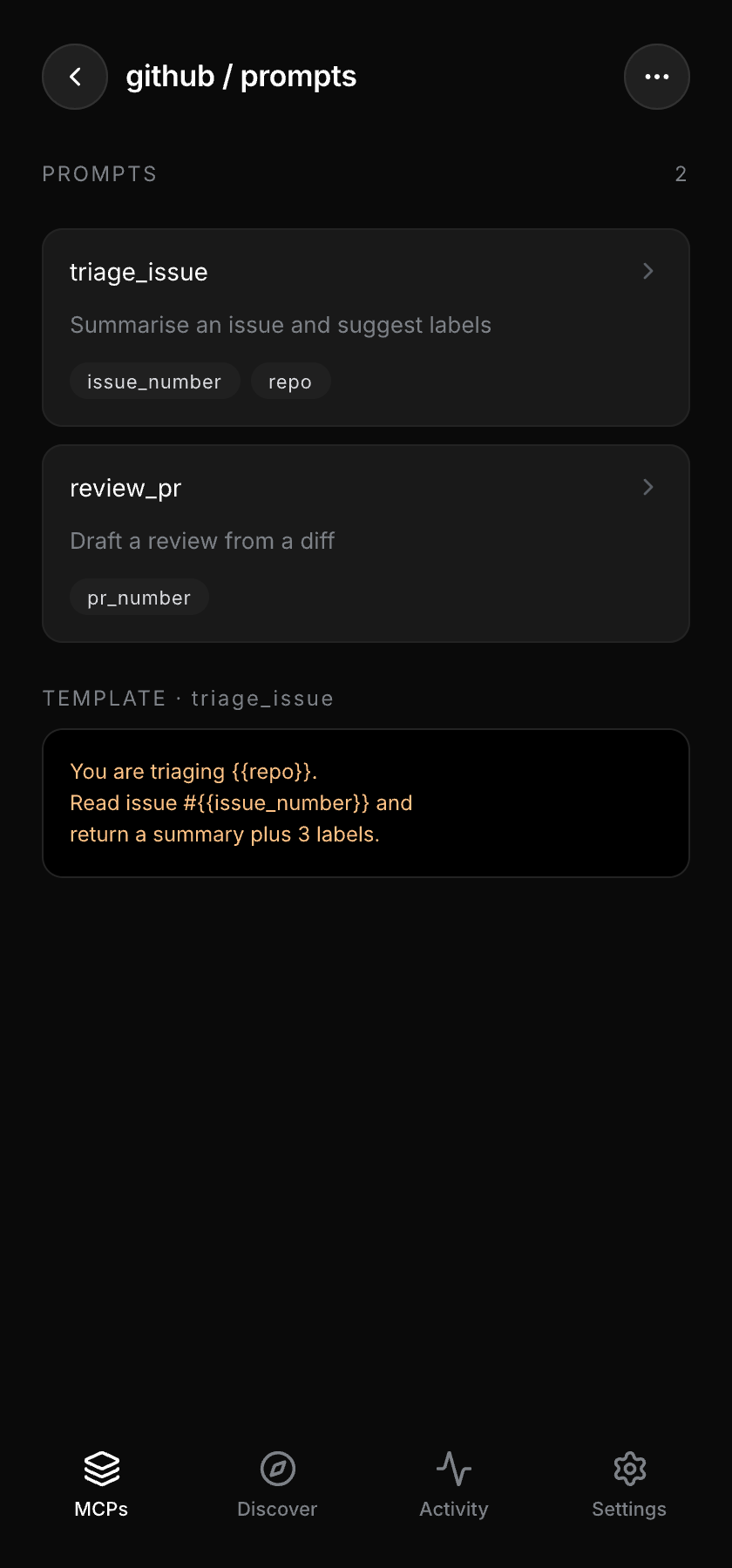
Prompts
Prompt templates with their arguments and source text.
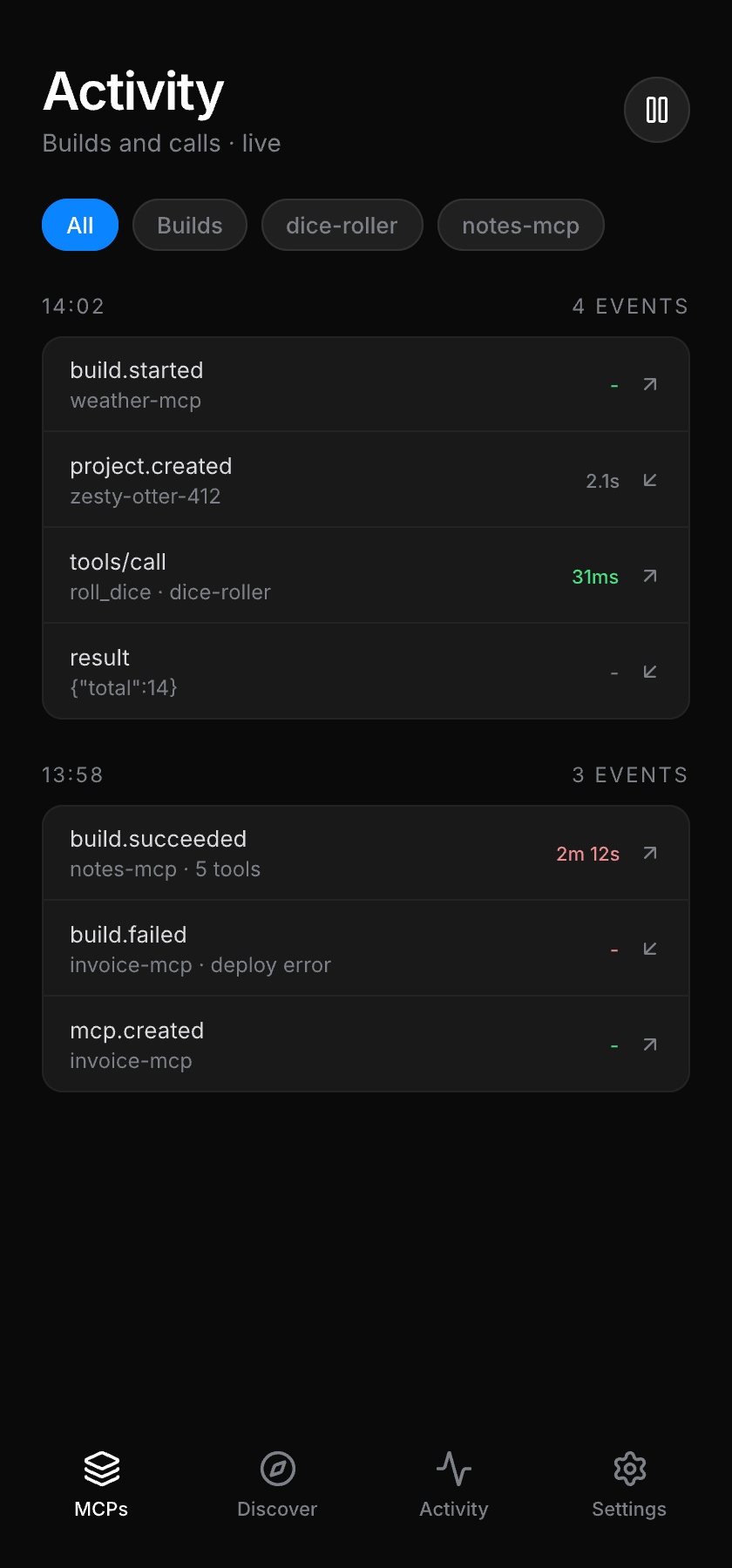
Activity
Builds and live calls, grouped and filterable.
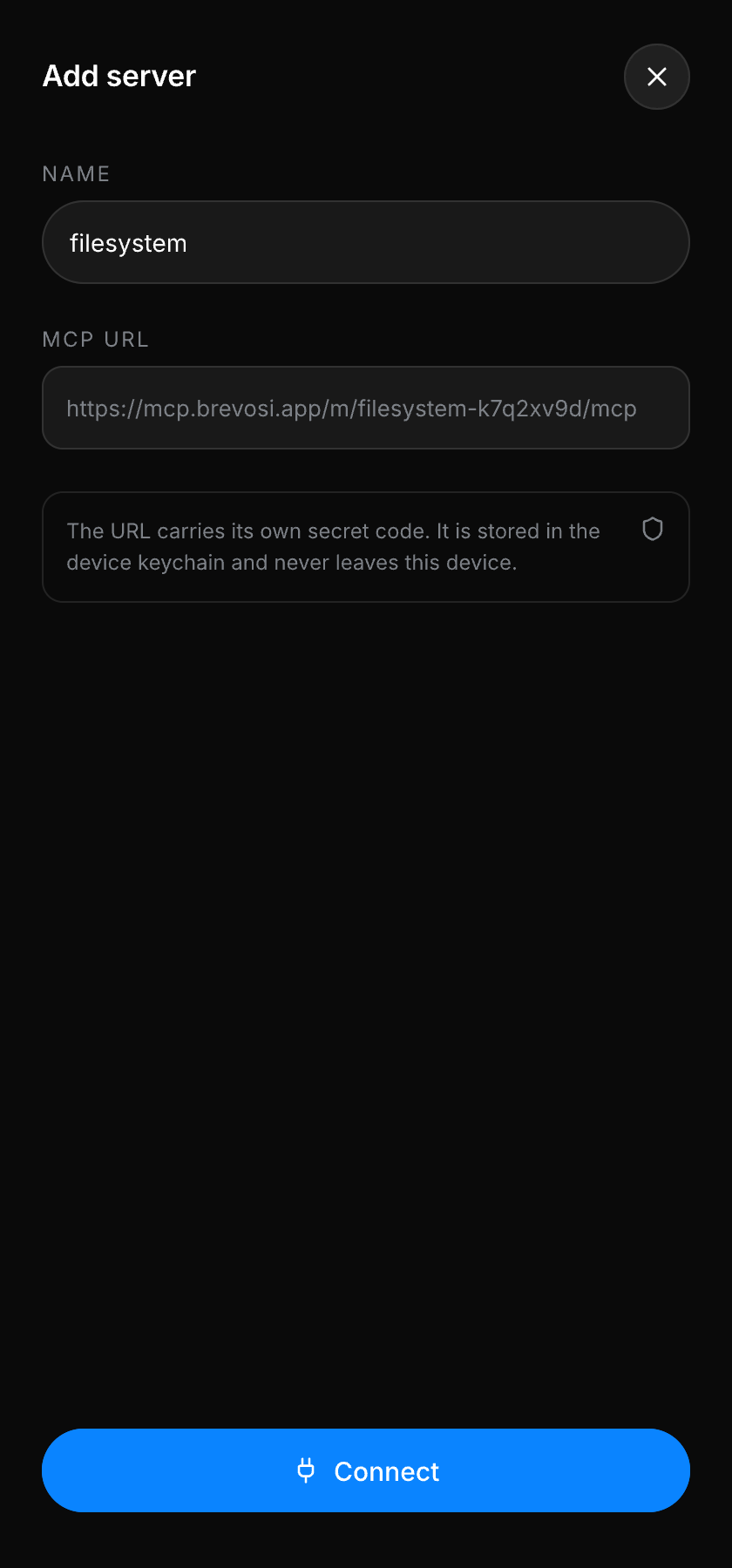
External servers
Optional: connect servers you didn’t build here.
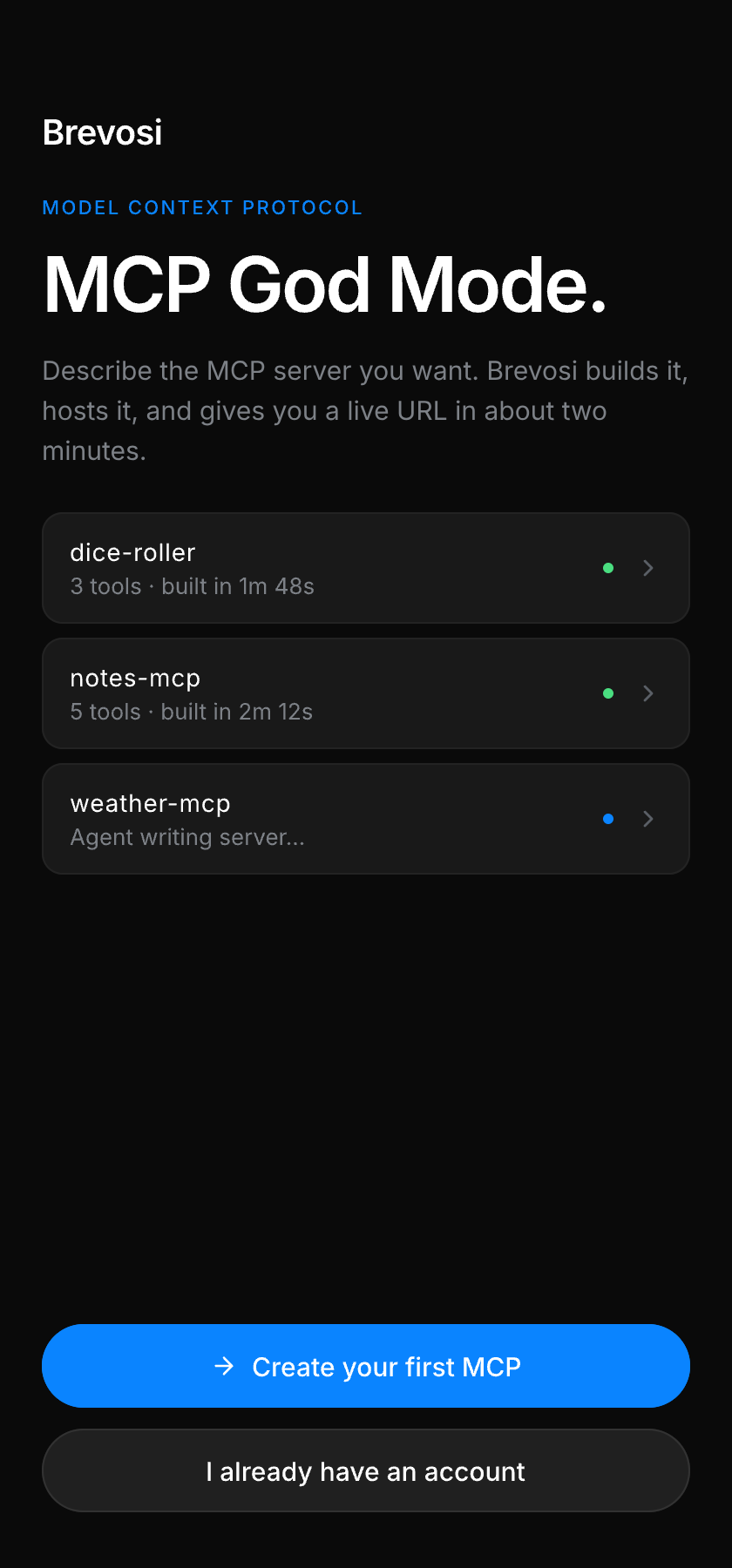
Welcome
The first thing you see.
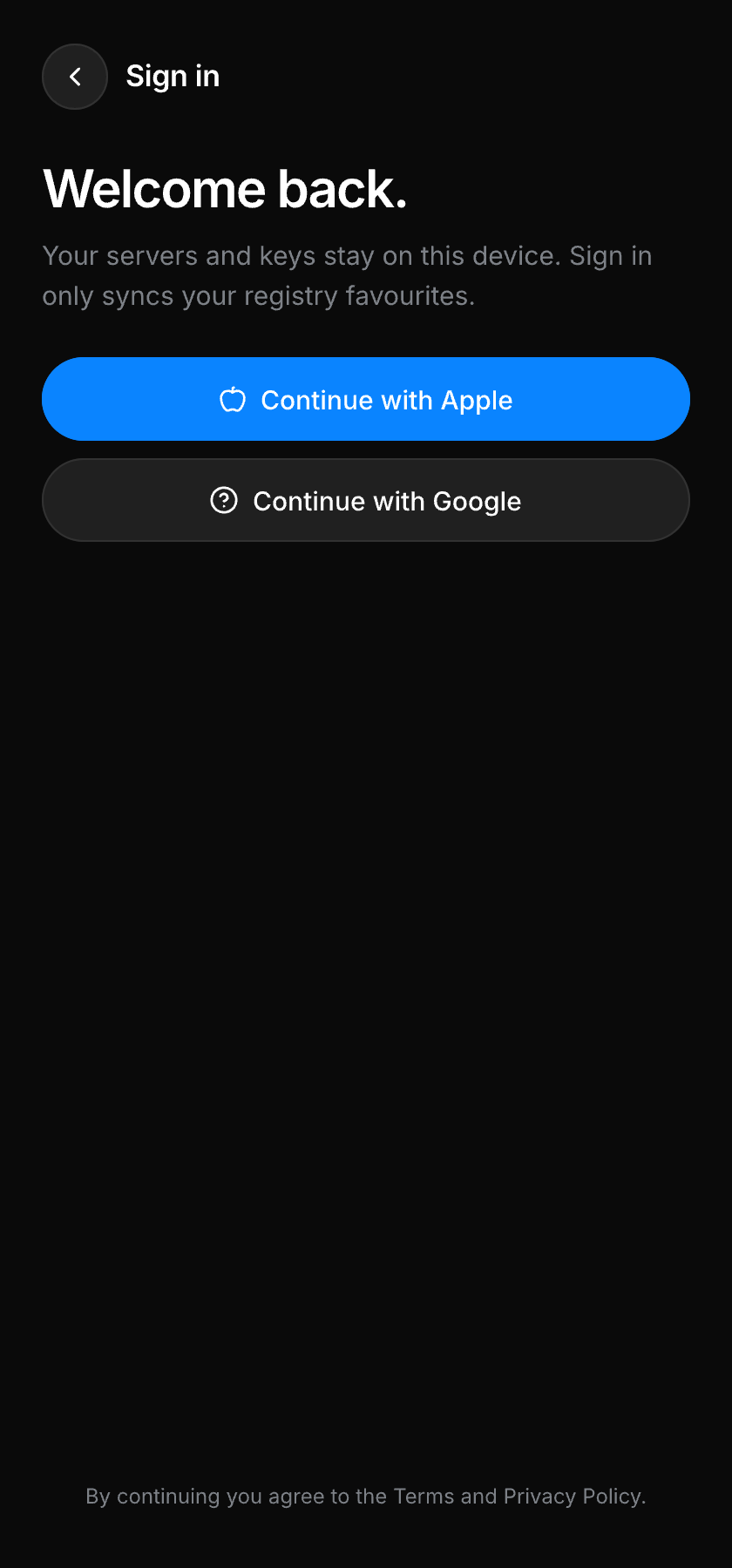
Sign in
Apple, GitHub, Google or email. Keys stay on device.
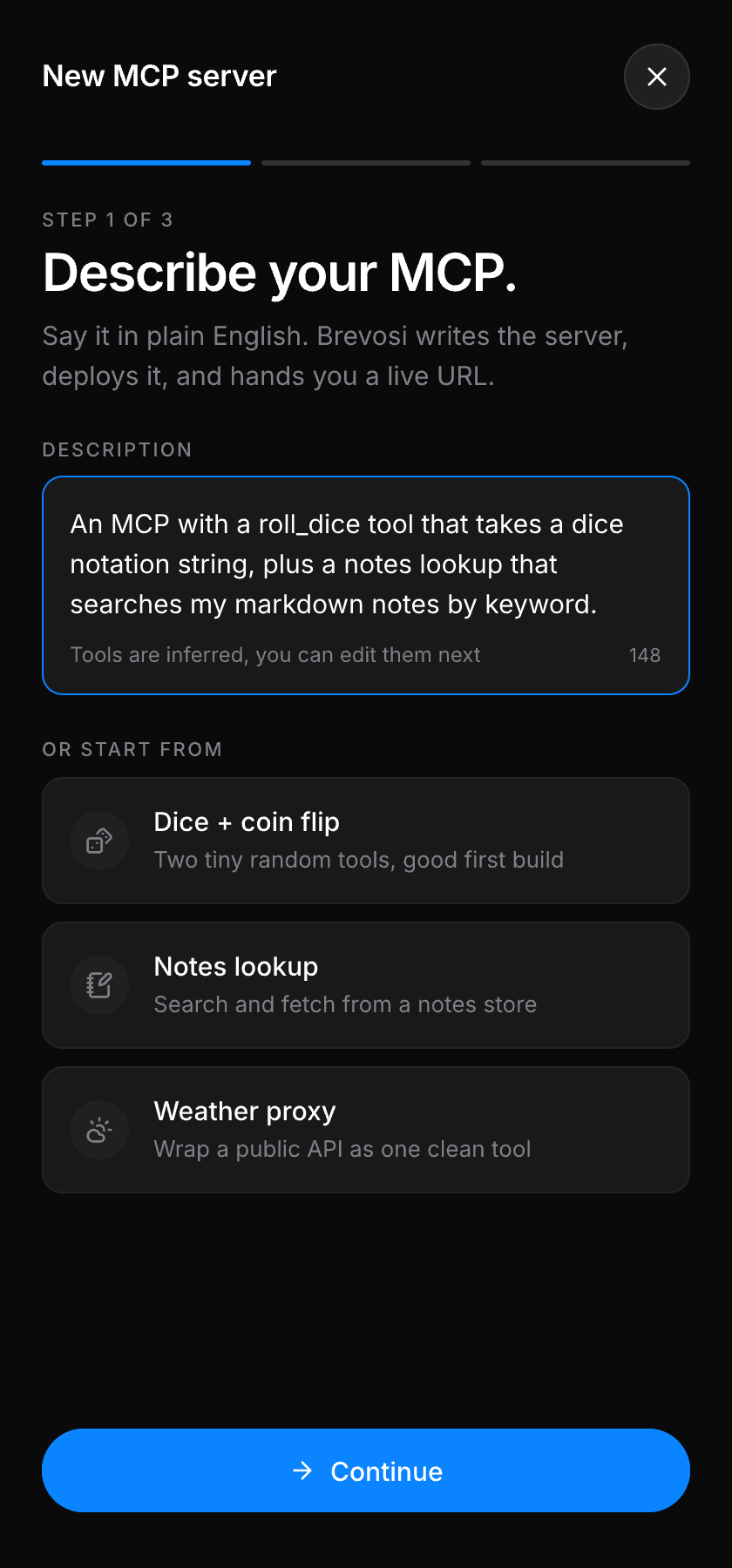
Describe
Say what you want in plain English, or start from a template.
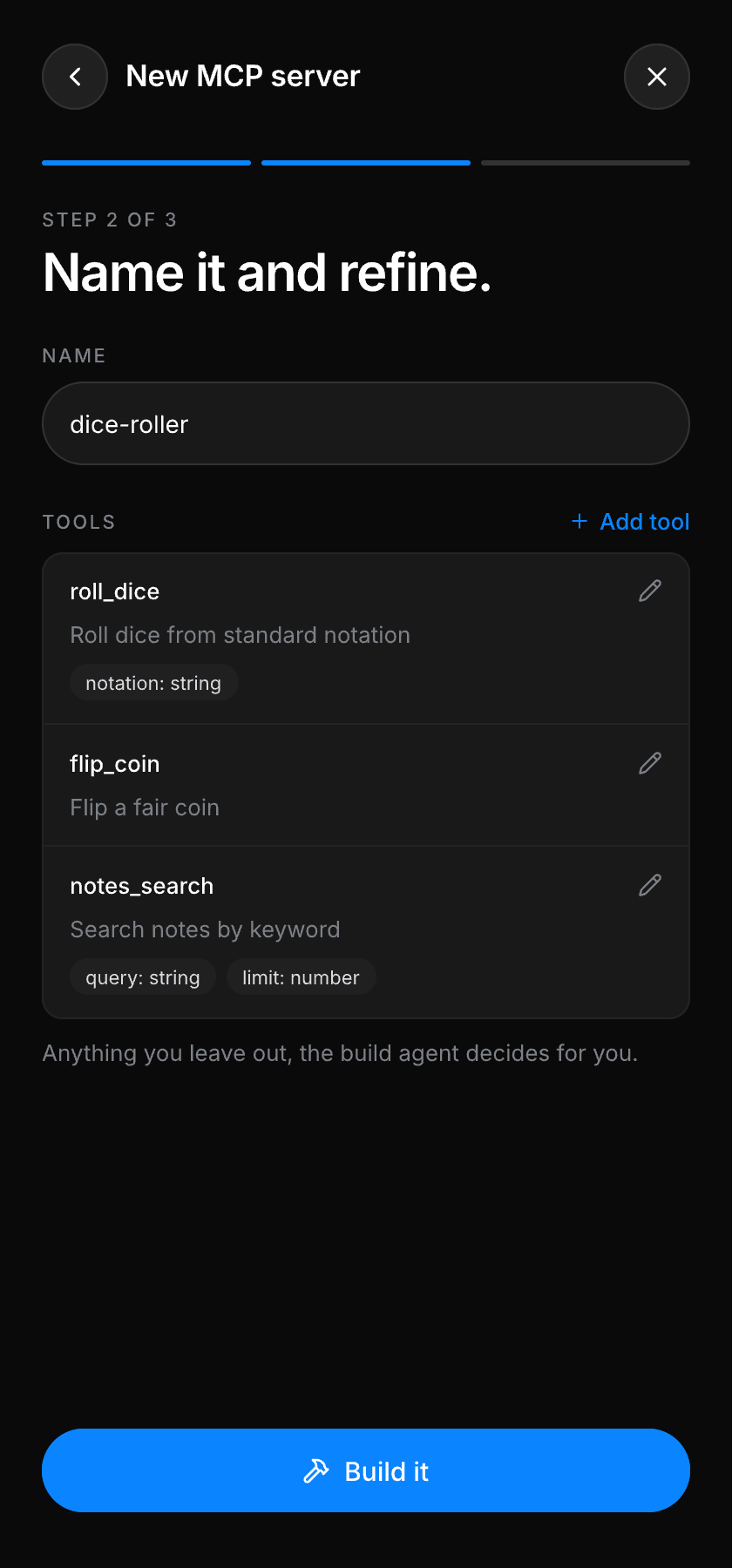
Refine
Name it and adjust the tools the agent inferred.
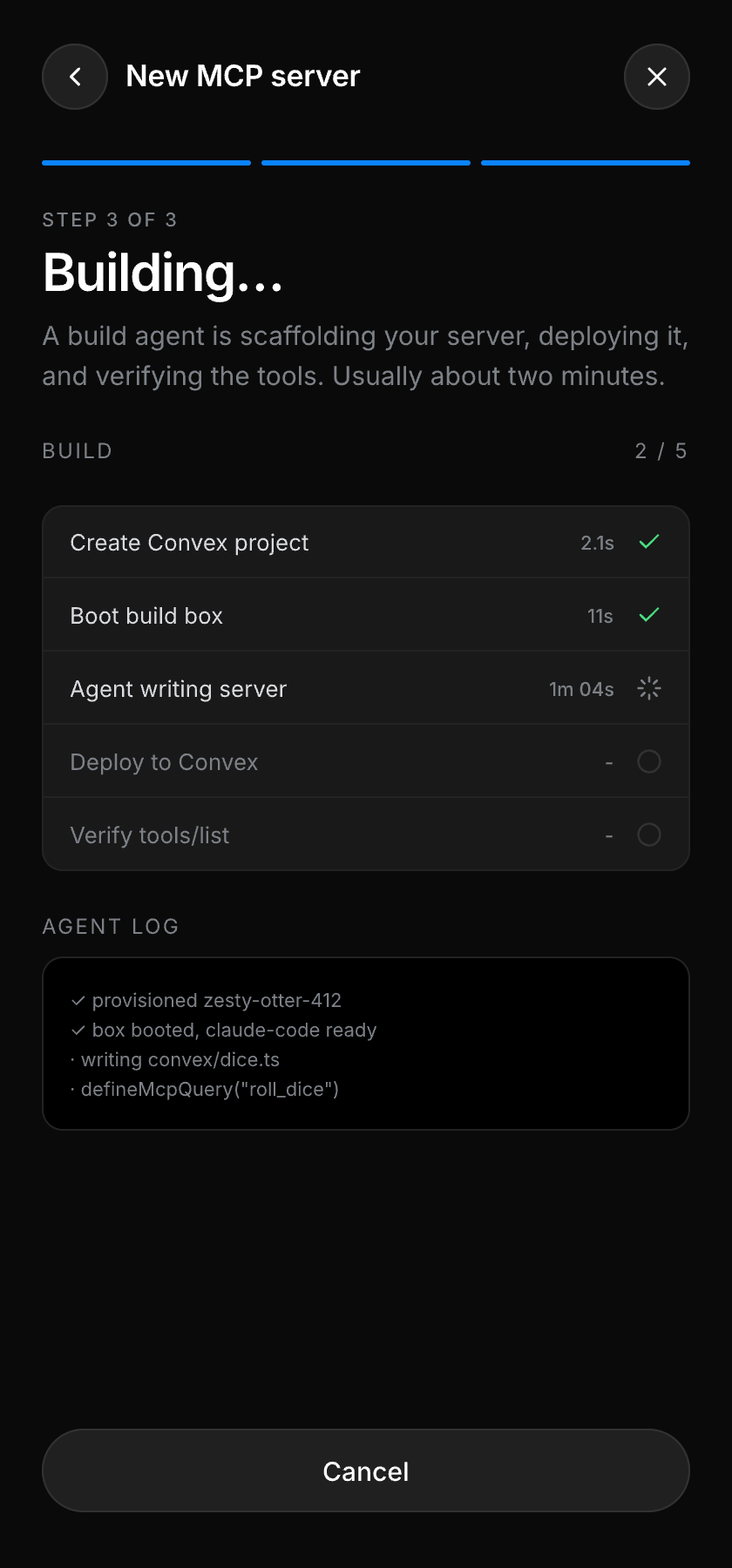
Build
Watch the agent scaffold, deploy and verify it.
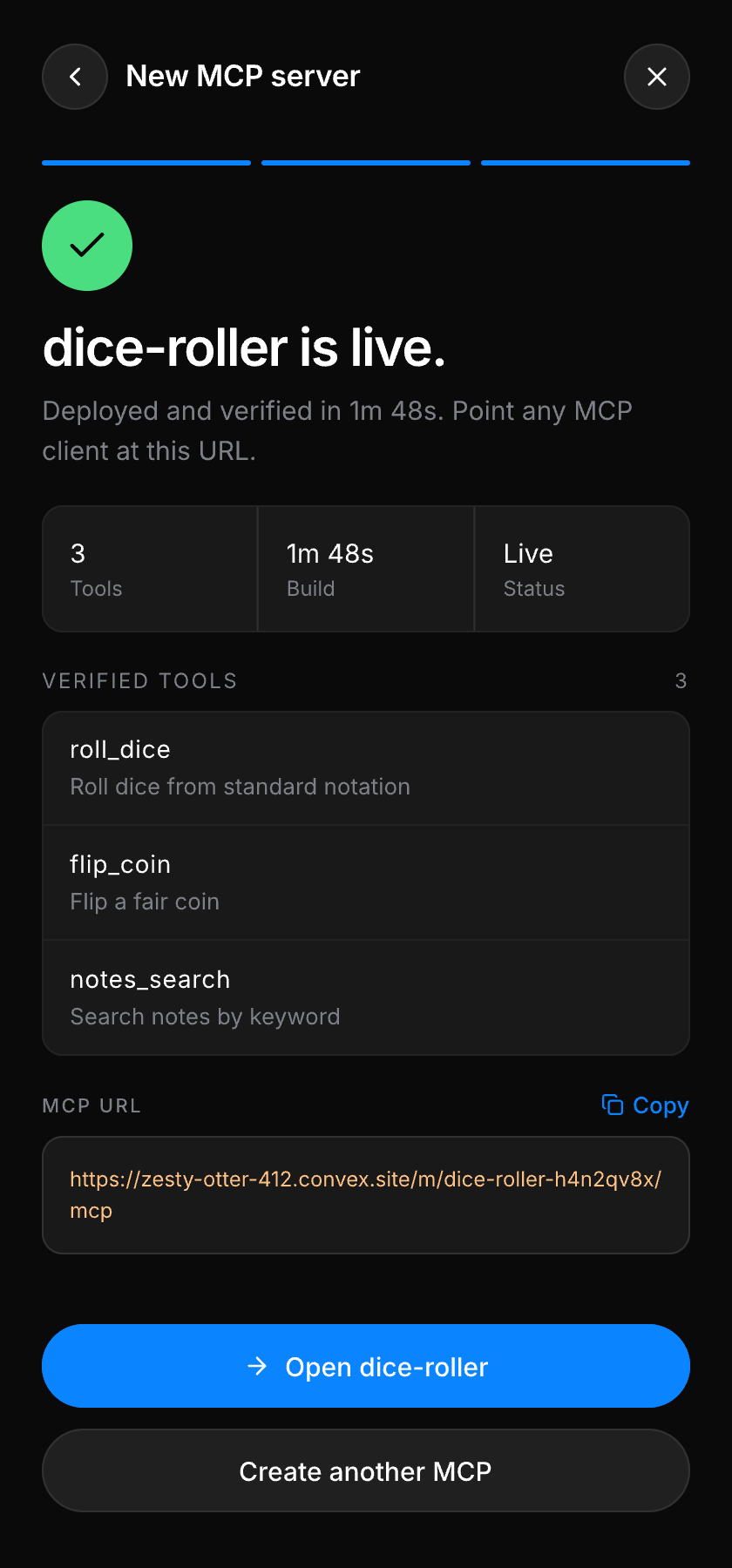
Live
A public MCP URL, verified, in about two minutes.
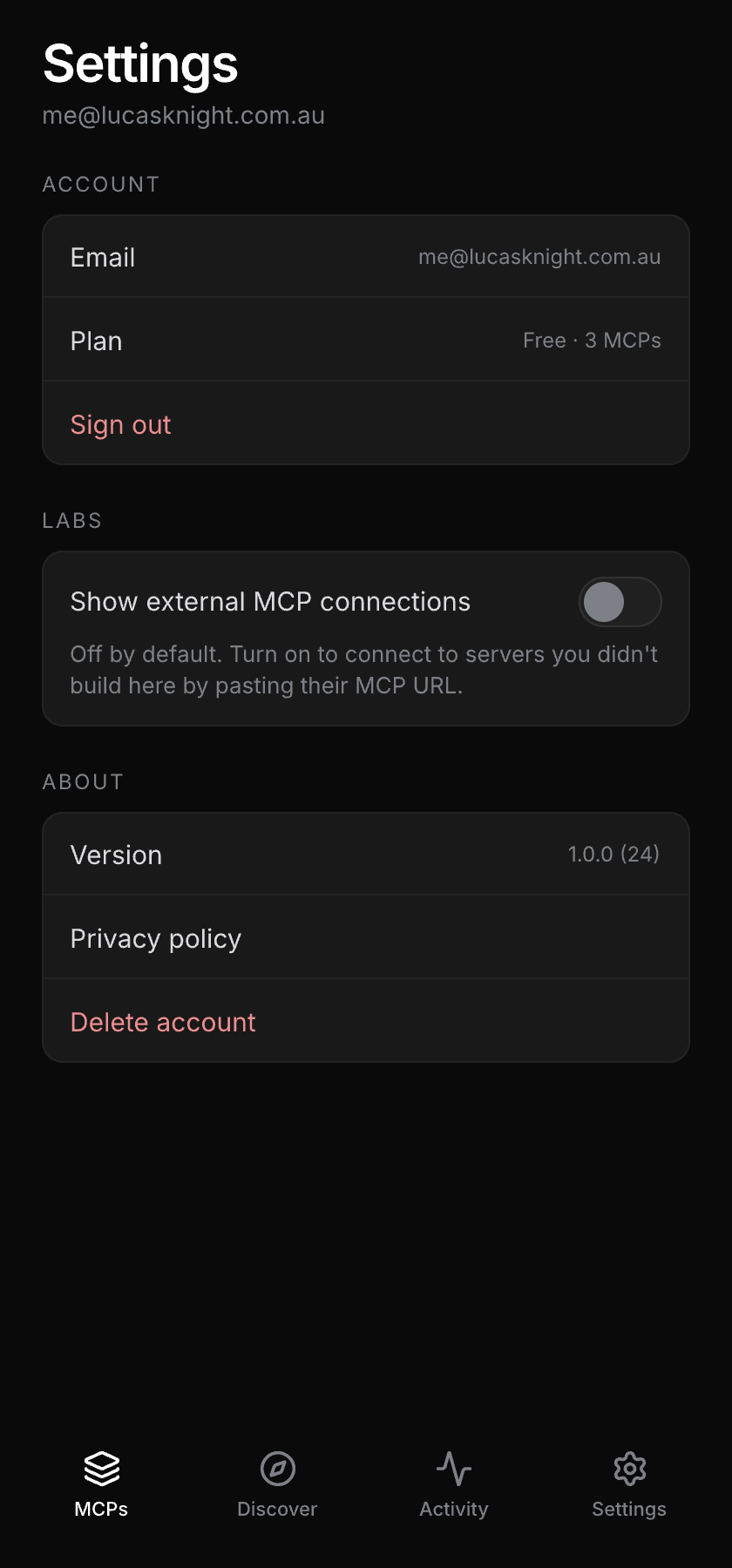
Settings
Your plan, your builder URL and the labs flags.
The protocol
Agents are first-class users.
Brevosi itself speaks MCP. Your personal builder endpoint gives any agent typed tools to create, test and publish servers, with the full playbook delivered in band through the initialize instructions.
The docs are written for models first: llms.txt on every endpoint, and every error names the exact next call to make.
→ tools/call create_mcp
    {"name":"Dice Roller"}
← {"slug":"dice-roller-x7k2m9"}
→ tools/call define_tool
    {"name":"roll_dice","code":"..."}
→ tools/call publish
← {"url":"https://brevosi.com/m/…/mcp",
   "next":"Tell the user their MCP is live."}
Get the beta on your phone.
Brevosi is in TestFlight now. Sign in, pick a template, and you have a live MCP server before the coffee order lands.
Join the TestFlightScan to join
TestFlight · iOS 17+